
By DTG, Digital Technology Group, Tampa, FL
Have a question about color-accurate monitors? Talk to DTG or call 813.889.0660 (toll-free 800.681.0024).
Eizo sells its ColorEdge line in two families, CG and CS. Both are color management monitors with hardware calibration, and both carry a 5-year manufacturer’s warranty. The real question is how much of the calibration and color toolkit you want built into the monitor and how much you are happy to add yourself. This guide walks through the difference, using specifications published by Eizo, so you can choose the right Eizo ColorEdge monitor for your work.
The short answer
Choose a CG model if you want a calibration sensor built into the bezel, a hood in the box, and the widest color and HDR feature set. Choose a CS model if you want Eizo’s hardware-calibration approach at a lower entry point and are happy to attach an external Eizo sensor when it is time to calibrate. DTG sells several CS monitors as bundles that already include a sensor, so you can start calibrated on day one. our own shortcut is below: if you have to have the best, it is the CG.
CG or CS? The honest answer
When someone asks us “CG or CS?”, our first question is whether you are the type of person who has to have the best. If you are, choose the CG.
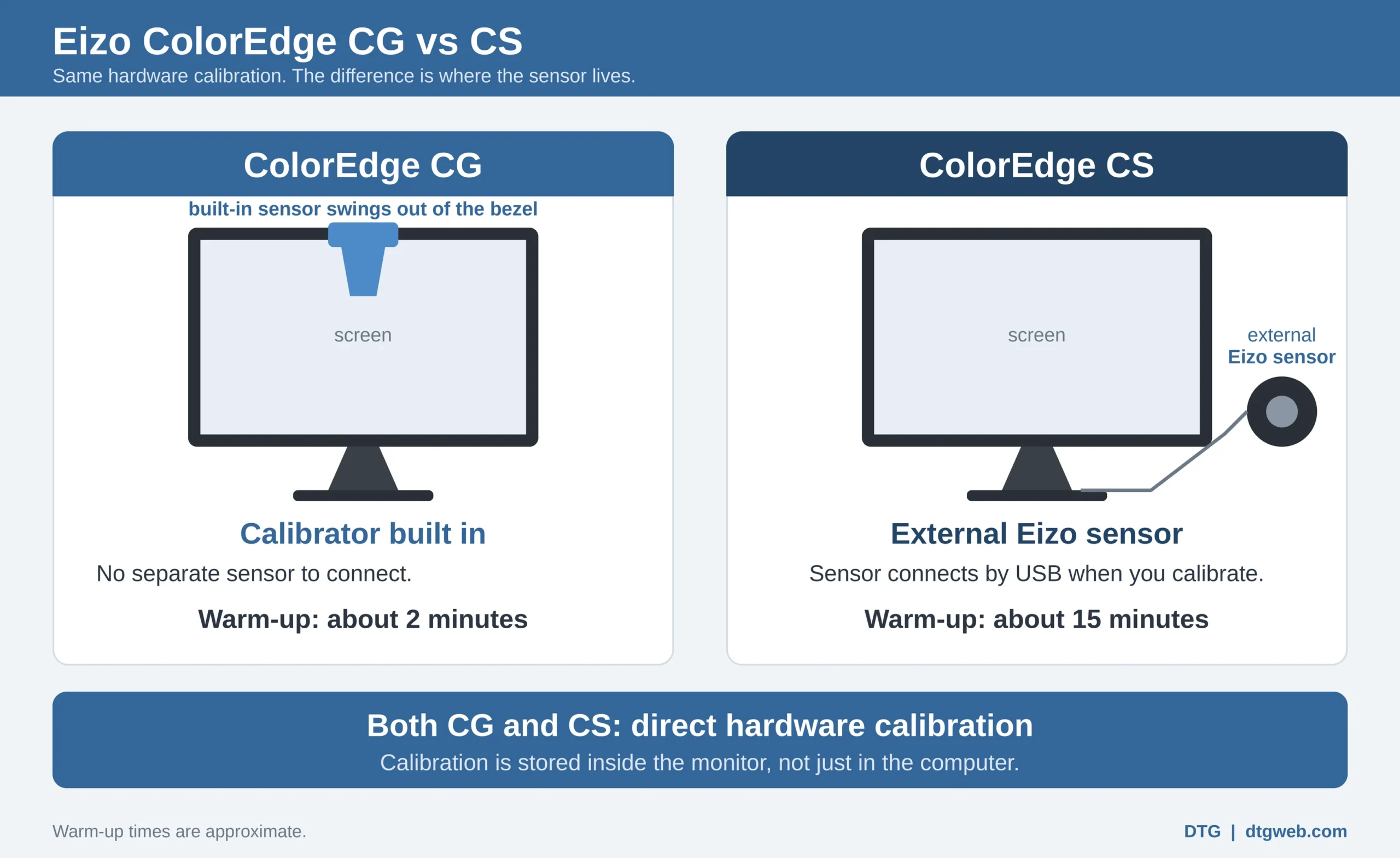
That said, the CS is about 99% of the CG for display accuracy, consistency and color gamut when you are matching monitor to print. What the CG adds is the extras:
- An automatic calibrator built in. You do not have to hang an external sensor on the screen, which on a CS is something we suggest doing every two to four weeks.
- A near-instant warm-up. In our experience a CG shows accurate color and brightness within a couple of minutes, against around 15 minutes for a CS.
Both series use direct hardware calibration. If neither extra matters to you, a CS is a sound choice. The tables below show where CG goes further on the spec sheet, such as brightness, DCI-P3 coverage, HDR and video tools, and if you need those, CG is the answer.
What both series share
- Hardware calibration with Eizo’s free ColorNavigator 7 software. Calibration is stored in the monitor, so you do not need to recalibrate when you connect a different computer.
- 10-bit display, a wide color gamut and the Digital Uniformity Equalizer for even brightness and color across the screen.
- Adobe RGB coverage of 99% on every model discussed here, except the CG3200X (94%) and CG3100X (97%).
- USB-C with power delivery on the CG2400S, CS2400S, CG2700S, CG2700X, CG3100X, CS2731, CS2740, CG3200X and CS3200X.
- A 5-year manufacturer’s warranty (usage time limited to 30,000 hours).
Where CG and CS differ
Calibration sensor
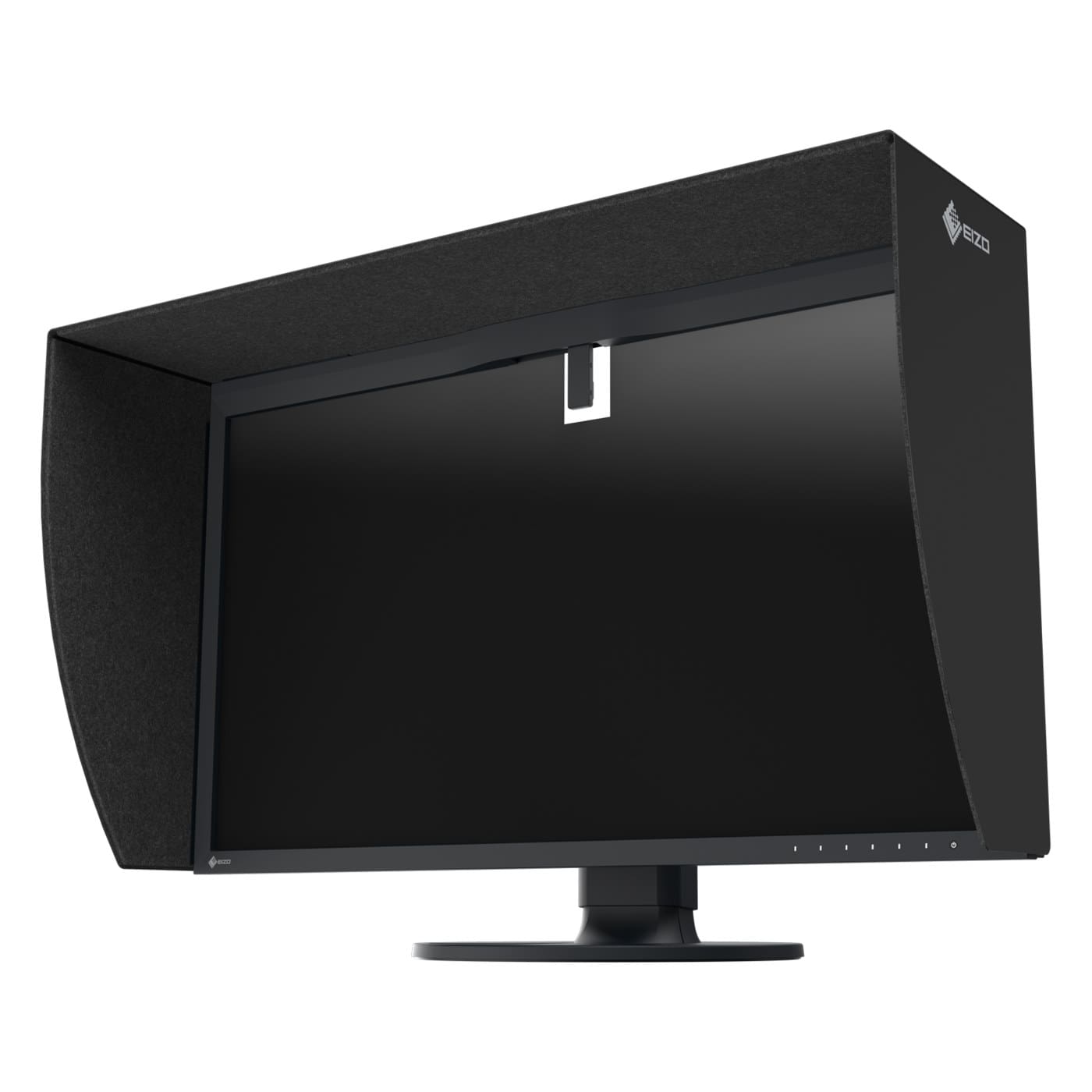
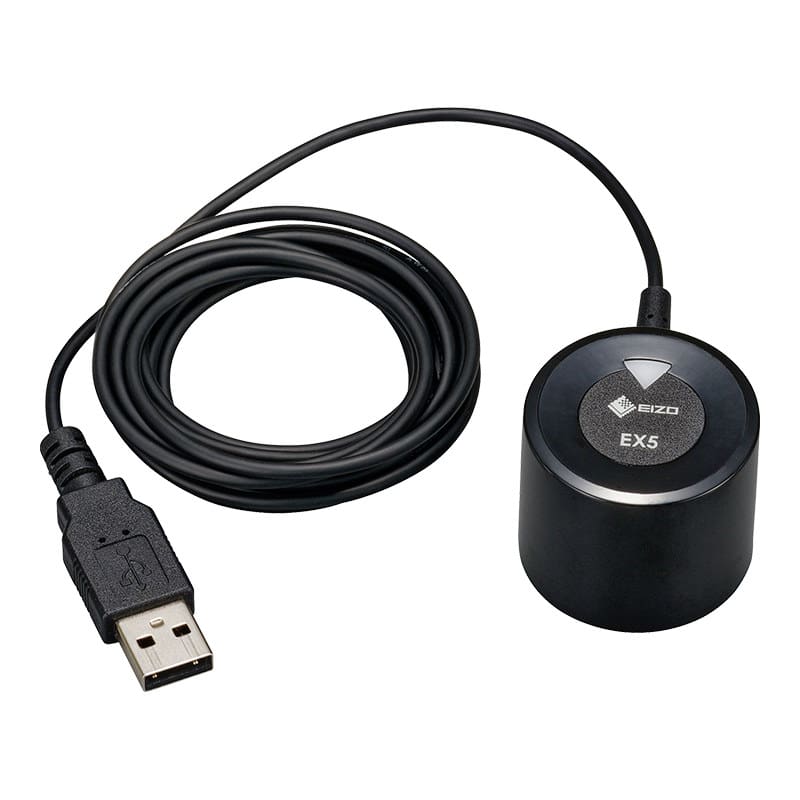
Every CG model has a calibration sensor built into the front bezel. It swings in front of the screen only when needed, and you can set the monitor to recalibrate at times you choose. CS models have no built-in sensor. They calibrate with an external Eizo sensor such as the EX5, which Eizo lists as compatible with the CS2400S, CS2731 and CS2740. The EX5 works only with ColorNavigator 7 (version 7.2.1 or later) and Quick Color Match, and not with Calibrite software.
Hood
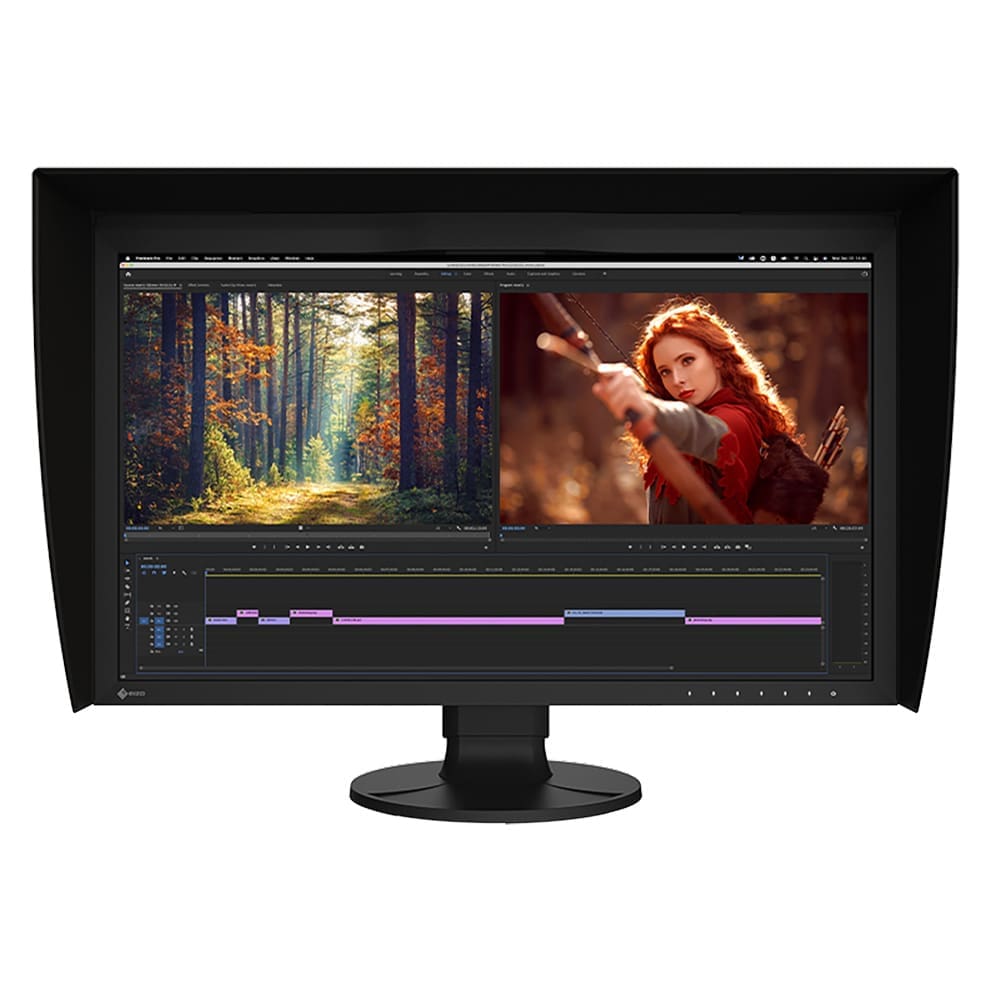
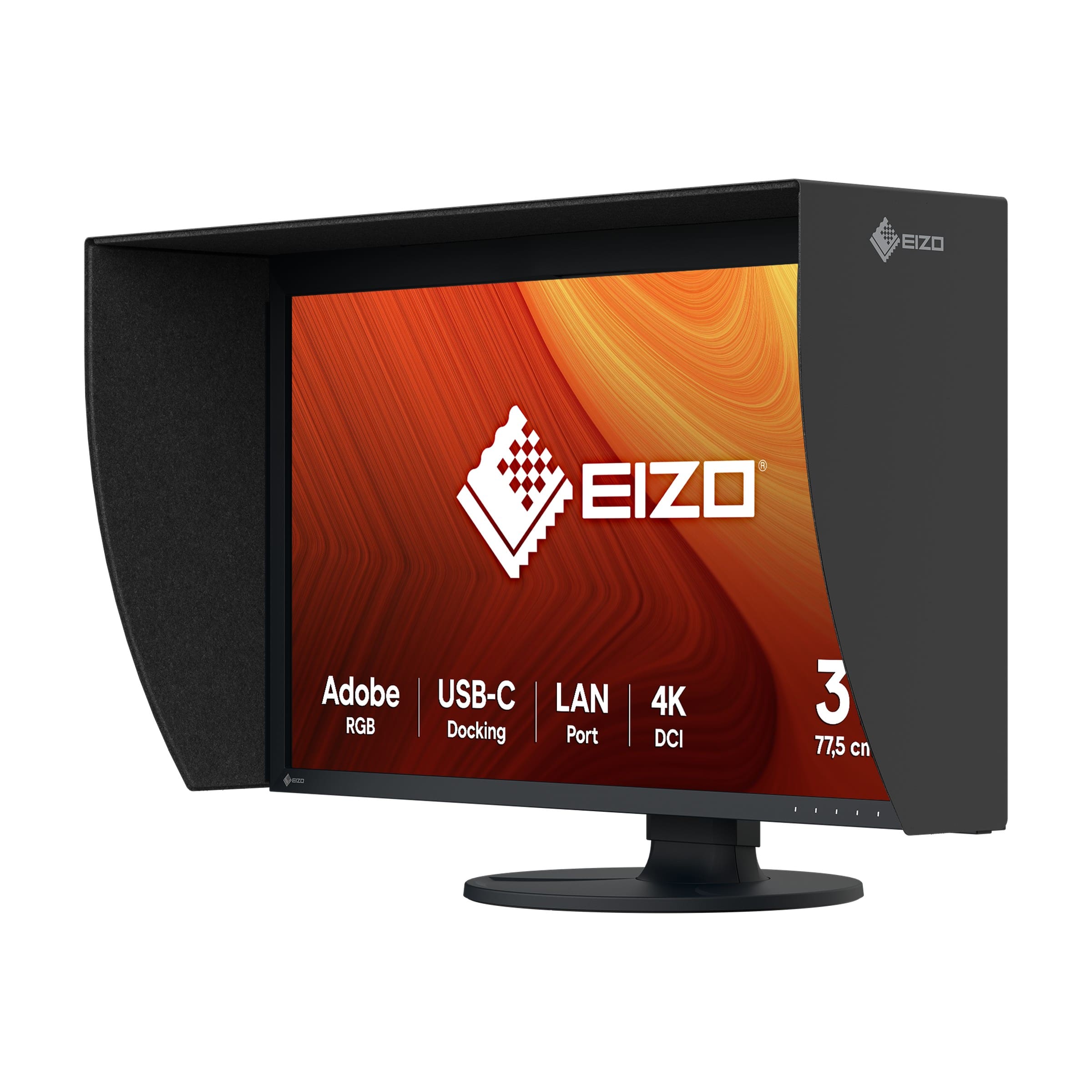
CG2700X, CG2700S, CG2400S, CG3100X and CG3200X monitors ship with a light-shielding hood. On the CS2400S, CS2731 and CS2740 the hood is optional, and DTG sells the Eizo CH2710 hood for 27-inch ColorEdge monitors. The new CS3200X is the exception: Eizo includes a magnetic hood with it. See Eizo’s hood page for supported models.
Brightness, contrast and HDR
CG models add wider DCI-P3 coverage (98% or more on the CG2400S, CG2700S, CG2700X, CG3100X and CG3200X, against 96% on the CS3200X and no DCI-P3 figure on the other CS models), generally higher brightness, and HLG and PQ HDR gamma as standard. The CS2740 offers HLG and PQ as an optional Eizo upgrade, while the newer CS3200X lists HLG and PQ support directly.
Extra tools for video and studios
ColorNavigator 7 includes device emulation and film emulation with a 3D LUT, and Eizo notes these are supported on the CG series only. CG monitors can also be correlated to a high-end spectrophotometer, which studios use to match an in-house reference.
Meet the new models: CG3200X and CS3200X
Eizo has added two 31.5-inch 4K UHD (3840 x 2160) models, and both are coming soon to DTG. Neither has a DTG product page yet, so call us for details.
- ColorEdge CG3200X: the first OLED ColorEdge. It uses a QD-OLED panel with 1000 cd/m² peak brightness, 300 cd/m² full-screen white, a typical 1,500,000:1 contrast ratio, 99% DCI-P3 and 94% Adobe RGB. It has a built-in calibration sensor, a magnetic hood, HLG and PQ gamma, and a custom SDR contrast setting from 500:1 to 2000:1. Eizo says shipping begins within 2026, with timing varying by region, and DTG expects it in winter 2026. Note that Eizo warrants the OLED panel for 1 year or 10,000 hours, and burn-in and image retention are not covered. Details are on Eizo’s CG3200X page.
- ColorEdge CS3200X: an IPS LCD with 350 cd/m² brightness, 1300:1 contrast, 99% Adobe RGB and 96% DCI-P3. It has HLG and PQ gamma, USB-C with up to 70 W power delivery, a three-sided frameless design, and a hood in the box. There is no built-in sensor, and Eizo offers a dedicated sensor as an optional accessory. See Eizo’s CS3200X page.
CG vs CS at a glance
| Feature | CG series | CS series |
|---|---|---|
| Calibration sensor | Built into the bezel | External Eizo sensor (optional accessory, or bundled by DTG) |
| Hood | Included | Optional on CS2400S, CS2731 and CS2740; included with CS3200X |
| Scheduled recalibration | Yes, by the monitor itself | Needs the sensor attached to the monitor |
| HDR gamma (HLG, PQ) | Standard | Optional upgrade on CS2740; listed on CS3200X |
| Film and device emulation | Supported | Not supported |
| Adobe RGB coverage | 94% to 99% | 99% |
| Warranty | 5 years | 5 years |
Model by model
| Model | Size / resolution | Brightness | Gamut (typical) | Built-in sensor | USB-C power |
|---|---|---|---|---|---|
| CG2400S | 24.1″, 1920 x 1200 | 400 cd/m² | Adobe RGB 99%, DCI-P3 98% | Yes | Up to 70 W |
| CS2400S | 24.1″, 1920 x 1200 | 410 cd/m² | Adobe RGB 99% | No | Up to 70 W |
| CG2700S | 27.0″, 2560 x 1440 | 400 cd/m² | Adobe RGB 99%, DCI-P3 98% | Yes | Up to 92 W |
| CS2731 | 27″, 2560 x 1440 | 350 cd/m² | Adobe RGB 99% | No | Up to 60 W |
| CG2700X | 26.9″, 3840 x 2160 | 500 cd/m² | Adobe RGB 99%, DCI-P3 98% | Yes | Up to 94 W |
| CS2740 | 26.9″, 3840 x 2160 | 350 cd/m² | Adobe RGB 99% | No | Up to 60 W |
| CG3100X | 30.5″, 4096 x 2160 | 500 cd/m² | Adobe RGB 97%, DCI-P3 99% | Yes | Up to 94 W |
| CG3200X (coming soon) | 31.5″ QD-OLED, 3840 x 2160 | 1000 cd/m² peak, 300 full screen | Adobe RGB 94%, DCI-P3 99% | Yes | Up to 60 W |
| CS3200X (coming soon) | 31.5″, 3840 x 2160 | 350 cd/m² | Adobe RGB 99%, DCI-P3 96% | No | Up to 70 W |
Source: Eizo product pages on eizo.com, typical values. Check the linked product page for the latest figures.
Total cost: CS plus sensor, or CG with the sensor built in?
A CS monitor looks like the lower-cost route, and often it is. But compare what you actually need to end up with, not just the monitor on its own. A CS setup is the monitor, plus a calibration sensor, plus a hood if you work in a bright room. A CG setup includes the sensor and the hood. DTG’s bundled CS listings, such as the CS2731 with calibrator, CS2740 with calibrator and CS2400S with calibrator, put the monitor and sensor in one order so the comparison is simple.
Then weigh the time. With a CG, the monitor can recalibrate itself on the schedule you set. With a CS, someone attaches the sensor to the screen each time, which we suggest doing every two to four weeks. That is no burden for a single desk, but it adds up across several. Eizo’s EX5 sensor also carries its own 2-year warranty, against 5 years on the monitor. Ask DTG for current pricing on each configuration and we will quote the whole setup, not only the screen.
Which should I buy? By customer type
- Photographers: a CS with a sensor is usually the sweet spot. The CS2740 gives you 4K at 99% Adobe RGB, and the CS2731 and CS2400S cover smaller screens. Step up to the CG2700S if you want automatic recalibration and a hood in the box.
- Print and proofing shops: prefer a CG, such as the CG2700X or CG2700S. The scheduled self-calibration keeps proofing stations consistent without hands-on work, and the included hood controls ambient light.
- Retouchers and designers: the CG2400S suits a tight desk, while a CS bundle works well on a budget. Choose by screen size first, then decide whether you want the sensor built in.
- Video and HDR colorists: go CG. Look at the CG3100X, the CG319X, the SDI-equipped CG2400SV, or the PROMINENCE CG1 reference monitor. Ask us about the CG3200X OLED, coming soon.
- Studios with several desks: CG is the easier fleet to manage. Eizo’s ColorNavigator Network manages both series from a browser, but remote calibration works only on models with a built-in sensor.
Can I just calibrate the monitor I already have?
Yes. Calibrating and profiling the monitor you already own is much better than leaving it uncalibrated, but it is not the same as an Eizo ColorEdge. A Calibrite calibrator measures your screen and builds a profile, and the correction is applied through the computer’s video card. What you see on screen is changed and brought in line with the calibration target, so colors are far more predictable. It is just not as accurate or as clean as hardware calibration, which writes the correction into the monitor’s own memory (its look-up table) and generally keeps tones smoother and color steadier. That is how Eizo ColorEdge monitors work. A calibrator improves the consistency and quality of what a monitor shows, but it can only do so much: if the monitor itself, such as a laptop screen, is lower quality, there is a limit to what calibration can fix. A Calibrite will not turn an average monitor into an Eizo ColorEdge.
Here is our honest ranking: no calibration, then a Calibrite on your existing monitor, then Eizo hardware calibration (a CG with the sensor built in, or a CS with an external Eizo sensor). DTG sells the Calibrite Display Pro HL and the entry-level Display 123; see all Calibrite calibrators. To see the Eizo route, browse our Eizo ColorEdge monitors. Not sure which fits your screen? Ask DTG.
Frequently asked questions
Is Eizo CG worth it over CS?
It is worth it if you need the built-in sensor, the included hood, wider DCI-P3 coverage, standard HDR gamma or the video emulation tools, or if several people share monitors. If you have one desk, work mainly in Adobe RGB, and do not mind attaching a sensor, a CS is a sound choice.
Do I need the built-in sensor?
You need a sensor to calibrate any ColorEdge. The question is whether it lives in the monitor or in your drawer. A built-in sensor means scheduled recalibration with no hands-on step, which matters most for shared desks, print proofing and remote work.
Can I add a sensor to a CS monitor later?
Yes. Eizo lists the EX5 as compatible with the CS2400S, CS2731 and CS2740, and offers a dedicated sensor as an optional accessory for the CS3200X. The EX5 requires ColorNavigator 7 version 7.2.1 or later. Browse the monitor calibrator category or call us to confirm the right sensor for your monitor.
Which ColorEdge for soft proofing prints?
Either series can soft proof. Eizo’s Quick Color Match print-matching software is supported on models including the CS2400S, CS2731, CS2740, CS3200X, CG2400S and CG2700S, and ColorNavigator 7 lets you fine-tune a print proofing target. For a production print room, a CG with its built-in sensor keeps stations consistent. See how to match an Eizo monitor to your printer and hardware vs software calibration .
Which ColorEdge is best for HDR video?
The CG family. CG models support HLG and PQ gamma as standard, and the CG3100X and CG2700X reach 500 cd/m². The CG3200X adds an OLED panel with 1000 cd/m² peak brightness and ABL controls, though it has a shorter panel warranty than the LCD models.
Does the 5-year warranty apply to every ColorEdge?
Eizo backs ColorEdge monitors with a 5-year manufacturer’s warranty, with usage time limited to 30,000 hours. The CG3200X OLED panel is warranted for 1 year or 10,000 hours, and external sensors carry their own warranty.
Is a budget monitor good enough for printing?
It depends on who buys your prints. If your customers only want pleasing color, as with portrait or consumer prints, a budget monitor can be fine. If you print for professionals who expect accurate color, spend a bit more. A calibrated, color-accurate monitor quickly pays for itself in saved time and materials.
Why a color-accurate monitor matters
Most monitors show pleasing color, not accurate color, and assuming your monitor is “right” is the most common mistake we see. An accurate monitor-to-print match reduces the time spent color-correcting images, the time it takes to reach a correct print, and the paper and ink lost to reprints. Read our plain-English answer, Why doesn’t my print match my screen?, for the full picture, including how calibration, profiles and soft proofing fit together.
Talk to DTG
DTG is an authorized Eizo reseller in Tampa, FL. Not sure which series fits? Tell us what you shoot, print or grade, and we will help you match a monitor, sensor and hood to the job. A DTG color specialist follows up personally.
About the author: The author has been providing color management and printing solutions to the fine art reproduction, digital photography, sign making, proofing and digital textile markets since 1993, and has been writing, training and teaching on the subject for various publications and in many different forums over the years.
Call us: 813.889.0660 or toll-free 800.681.0024.
You can also contact us online, or browse our Eizo ColorEdge category, our Calibrated Monitors, or our custom profiling service. For the full lineup, see Eizo’s ColorEdge overview.
eizo-coloredge-cg-vs-cs


