
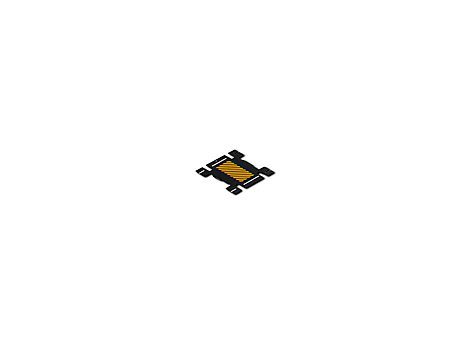
Description
F0M64A is the HP Latex 3×0 Series Edge Holders kit. The HP Latex 300 Printer Series User’s Guide (Edition 2) lists that name and part number, and the printer-models table shows HP Latex 3×0 Edge Holders supplied with the HP Latex 310, 330, 360 and 370. The same holders are also listed as optional accessories (spares) for those models. The HP Latex 110 User’s Guide lists F0M64A among accessories that can be ordered for that printer as well.
HP writes that the edge holders are designed to prevent the edges of the substrate from rising while printing is in progress. They are recommended for textile and double-sided printing (even if the front panel does not suggest them) and are not normally necessary in other situations. They can be used with the platen or with the ink collector.
The edge holders extend 7 mm over the edge of the substrate. HP says you should set a minimum left and right margin of 7 mm (0.3 in) in the RIP when using them, otherwise the printer could try to print on the edge holders. When not in use they should be stored inside the printer, to the left and right. The holders for each printer model are the same, but they are installed in different ways (the guide gives separate steps for the 310/330 and for the 360/370).
Related Latex 300-series accessories include the HP Latex Media Loading Accessory (F0M63A) for 360/370 banner, textile and mesh loading, the HP Latex 3×0 Maintenance Kit (F0M59A), and spare 64-in 2-in and 64-in 3-in spindles.
Specifications
| Official name | HP Latex 3×0 Series Edge Holders |
|---|---|
| HP part number | F0M64A |
| Supplied with | HP Latex 310, 330, 360 and 370 |
| Also listed for | HP Latex 110 (orderable accessory) |
| Overlap / RIP margin | 7 mm (0.3 in) minimum left and right margins |
| Recommended uses | Textile and double-sided printing |
Questions about compatibility, sizing, or installation? Call Digital Technology Group at 813.889.0660.


