
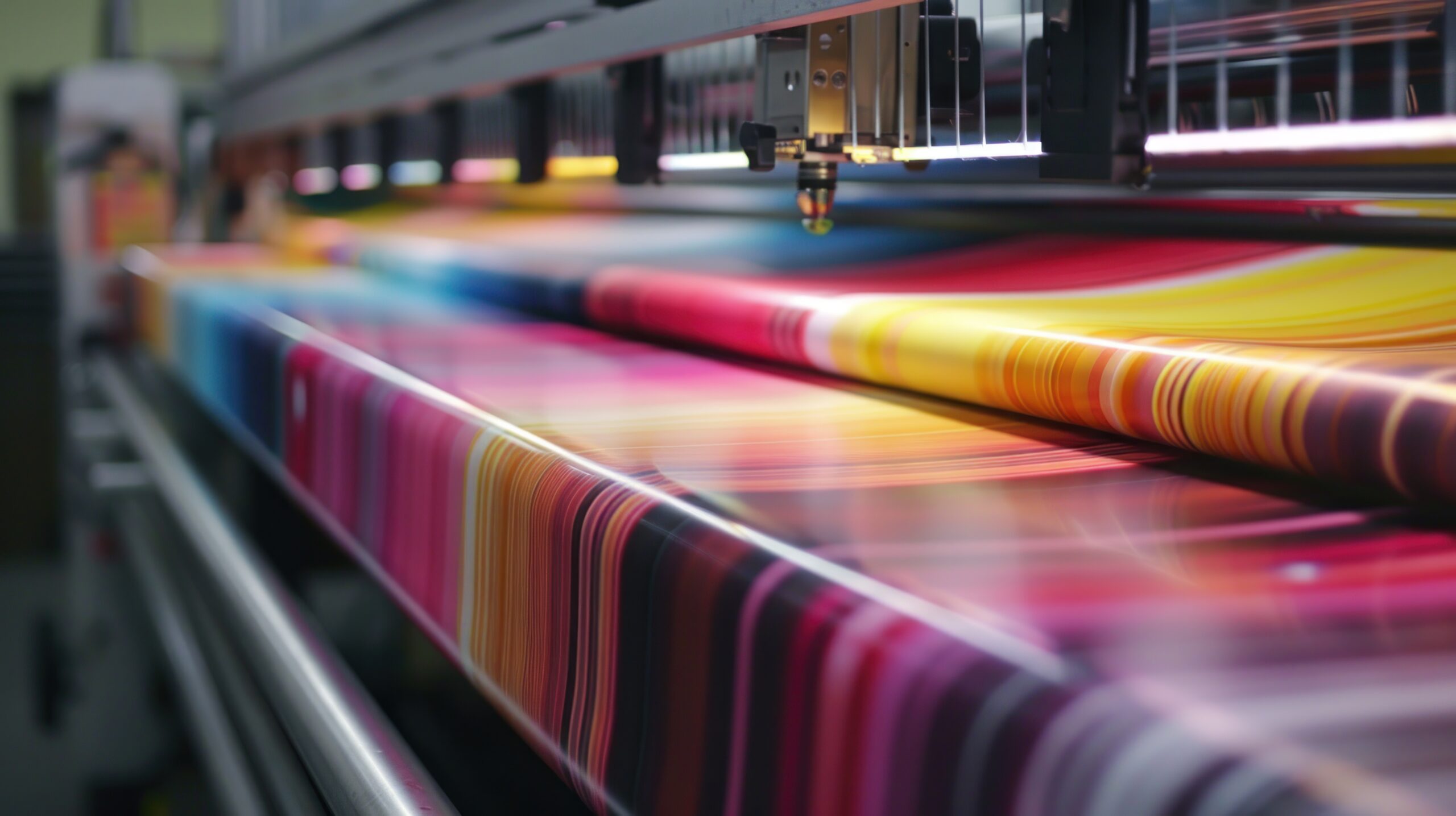
When producing stunning, vibrant prints, achieving perfect print quality is crucial. Whether you’re working on large-format banners, posters, or other marketing materials, the quality of your prints can make or break a project. Enter the HP Latex printer—a game-changer in print technology. For businesses looking to stand out with exceptional print results, understanding how to maximize the potential of these printers is key. Digital Technology Group, Inc. (DTG) offers expert solutions and support for achieving the best results with HP Latex printers.
In this blog post, we’ll explore how to unlock vibrant, eye-catching colors and achieve flawless print quality using HP Latex printers, with insights from DTG, Inc., a trusted leader in digital printing technology.
Why Choose An HP Latex Printer?
HP Latex printers have transformed the printing industry by offering a unique combination of versatility, eco-friendliness, and print quality. These printers use water-based latex inks, which deliver vibrant colors while being environmentally conscious. Unlike traditional solvent-based inks, HP Latex inks are odorless, durable, and safe for indoor applications, making them perfect for a wide range of print projects.
Key Advantages of HP Latex printers include:
- Vivid color reproduction: Latex technology provides exceptional color vibrancy and saturation, making prints stand out.
- Durability: Prints are scratch-resistant and weather-resistant, making them suitable for indoor and outdoor applications.
- Quick drying times: HP Latex prints come out of the printer dry and ready for immediate finishing or installation.
- Sustainability: Water-based latex inks are eco-friendly and free of harmful VOCs (volatile organic compounds).
HP Latex printers are the go-to choice for professionals looking to elevate their print game. Digital Technology Group, Inc. offers the expertise to help you get the most out of this technology. Click Exploring The Power Of HP Latex Printers for more details.
Tips For Achieving Perfect Print Quality With An HP Latex Printer
You must understand the key factors influencing print quality to achieve flawless, vibrant prints. Here are some essential tips to ensure that your HP Latex printer consistently delivers stunning results:
Choose The Right Media
The type of media you use plays a crucial role in determining the quality of your prints. HP Latex printers are compatible with a wide range of media, including vinyl, textiles, wallpaper, and photo paper. However, to achieve the best color vibrancy and detail, it is important to select media specifically optimized for latex printing.
- HP-certified media: Using HP-certified media ensures compatibility with HP Latex printers, resulting in optimal color accuracy and durability.
- Media profiling: Properly profiling your media ensures that the printer settings are calibrated for your specific material, leading to consistent, high-quality results.
Through superior customer service, Digital Technology Group, Inc. can help you select the best media for your project and offer profiling solutions to ensure perfect color matching.
Optimize Color Settings And ICC Profiles
Color management is critical to achieving vibrant and accurate prints. HP Latex printers allow you to fine-tune color settings and use ICC (International Color Consortium) profiles to ensure color accuracy across different media.
- Color calibration: Regularly calibrating your printer is essential for consistent results. This process ensures that the colors in your design match the colors on the print.
- Use ICC profiles: ICC profiles ensure that your printer, media, and design software work together to produce accurate colors. These profiles consider the unique characteristics of different media and inks to create precise color output.
- Custom profiles: For specific projects, you may need custom ICC profiles tailored to your media and ink combination. DTG, Inc. can assist in creating custom profiles to ensure your prints come out exactly as you envision them.
Maintain Print Heads And Perform Regular Cleaning
Maintaining your printer’s components, particularly the print heads, is critical to achieving consistent print quality. HP Latex printers feature user-replaceable print heads, which makes maintenance easier, but they still require regular care to ensure longevity and quality.
- Regular cleaning: Performing routine cleaning of the print heads helps prevent ink buildup, clogs, and streaks. This simple maintenance step can drastically improve the quality of your prints.
- Replace worn-out print heads: If you notice a decline in print quality, such as banding or missing colors, it might be time to replace them. Keeping an eye on your printer’s diagnostics and status messages can help you identify when it’s time for a replacement.
Digital Technology Group, Inc. provides support and replacement parts for HP Latex printers, ensuring you have access to the components you need to maintain top-notch performance.
Use The Proper Resolution Settings
It is important to select the right resolution settings for your HP Latex printer to achieve crisp, detailed prints. The resolution you choose depends on the type of project and the viewing distance.
- High-resolution prints: For prints that will be viewed up close, such as indoor posters or fine art prints, selecting a higher resolution (e.g., 1200 dpi) will result in sharper details and smoother gradients.
- Lower resolution for large-format prints: For large-format prints that will be viewed from a distance, such as billboards or banners, you can opt for a lower resolution (e.g., 600 dpi), reducing printing time and ink consumption without sacrificing perceived quality.
HP Latex printers are designed to handle a range of resolutions, allowing you to balance quality and efficiency based on your project’s needs.
Optimize Ink Usage For Vibrant Colors
HP Latex printers are known for their vibrant color output, but to truly make your prints pop, it’s important to optimize your ink usage.
- Ink layering: HP Latex printers allow for precise control over ink layering, which can enhance the vibrancy of your colors. For particularly saturated designs, increasing the ink density can result in deeper, richer hues.
- Monitor ink levels: Monitoring ink levels ensures that you don’t run out mid-print, which can cause color inconsistencies. HP Latex printers monitor ink levels in real-time, helping you avoid potential issues.
- Test prints: Before committing to a large print run, it’s always a good idea to run a test print. This allows you to fine-tune the ink settings and make necessary adjustments to achieve the desired vibrancy.
DTG, Inc. offers guidance on optimizing ink usage for maximum color impact, helping you get the most out of your HP Latex printer.
Temperature And Humidity Control
Environmental factors such as temperature and humidity can significantly impact print quality. HP Latex printers are equipped to handle a variety of conditions, but maintaining a stable environment can help ensure consistent results.
- Humidity control: High humidity levels can cause the media to swell, leading to print distortion or smudging. On the other hand, low humidity can result in static buildup, which can interfere with ink adhesion. For optimal performance, aim for a humidity level between 40% and 60%.
- Temperature control: HP Latex printers use heat to cure the latex inks, so it’s important to maintain a stable temperature in your print room. Fluctuations in temperature can affect ink drying times and print quality. Keep the room at a consistent temperature, ideally between 20°C and 25°C (68°F and 77°F).
Digital Technology Group, Inc. can help you set up the ideal printing environment to maximize the performance of your HP Latex printer.
Leverage HP Latex Printer Care Software
HP provides powerful software tools that can help you monitor and improve your printing process. The HP Latex Print Care software offers real-time diagnostics, remote monitoring, and troubleshooting tips to ensure your printer operates at peak performance.
- Remote monitoring: With remote monitoring capabilities, you can monitor your printer’s performance and ink usage from anywhere. This helps you stay ahead of potential issues and minimize downtime.
- Print optimization: The software recommends optimizing print settings based on the media and project requirements, ensuring you always use the best configuration for high-quality results.
With the support of Digital Technology Group, Inc., you can fully utilize these tools to streamline your workflow and improve print quality.
What’s Next
With the right expertise and support, achieving vibrant, high-quality prints with your HP Latex printer is easier. Digital Technology Group, Inc. is a leading provider of digital printing solutions and offers a range of services to help you get the most out of your HP Latex printer. DTG, Inc. is your trusted partner in producing professional-quality prints, from selecting the right media to fine-tuning your color settings.
Following the tips outlined in this guide and partnering with DTG, Inc., you can consistently achieve stunning results with your HP Latex printer. Whether you’re printing for commercial purposes or personal projects, HP Latex prints’ vibrant colors and exceptional quality will help you stand out.
For more information on how Digital Technology Group, Inc. can help you achieve the perfect print, visit their website or contact them today for expert advice and support!


