

Description
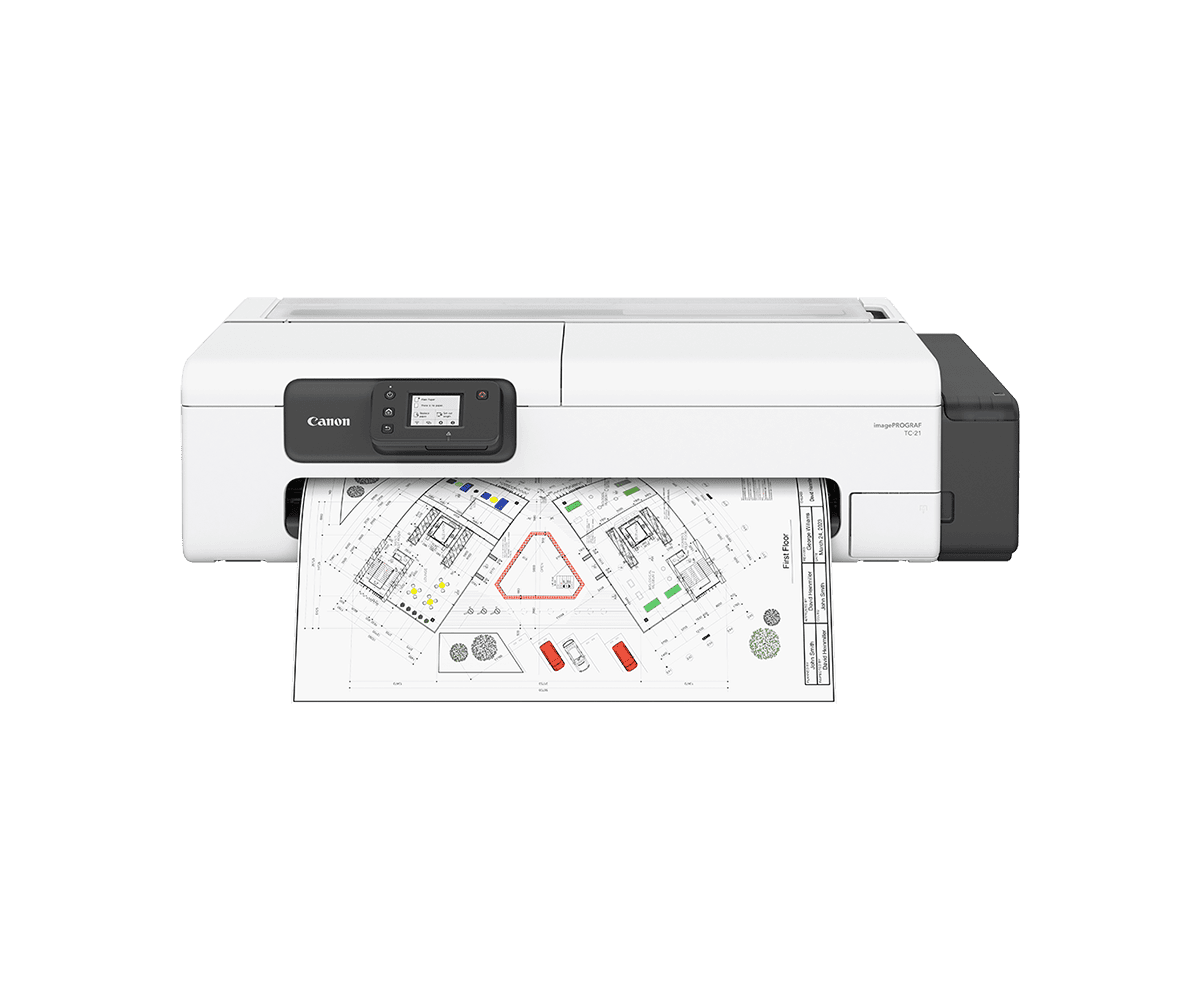
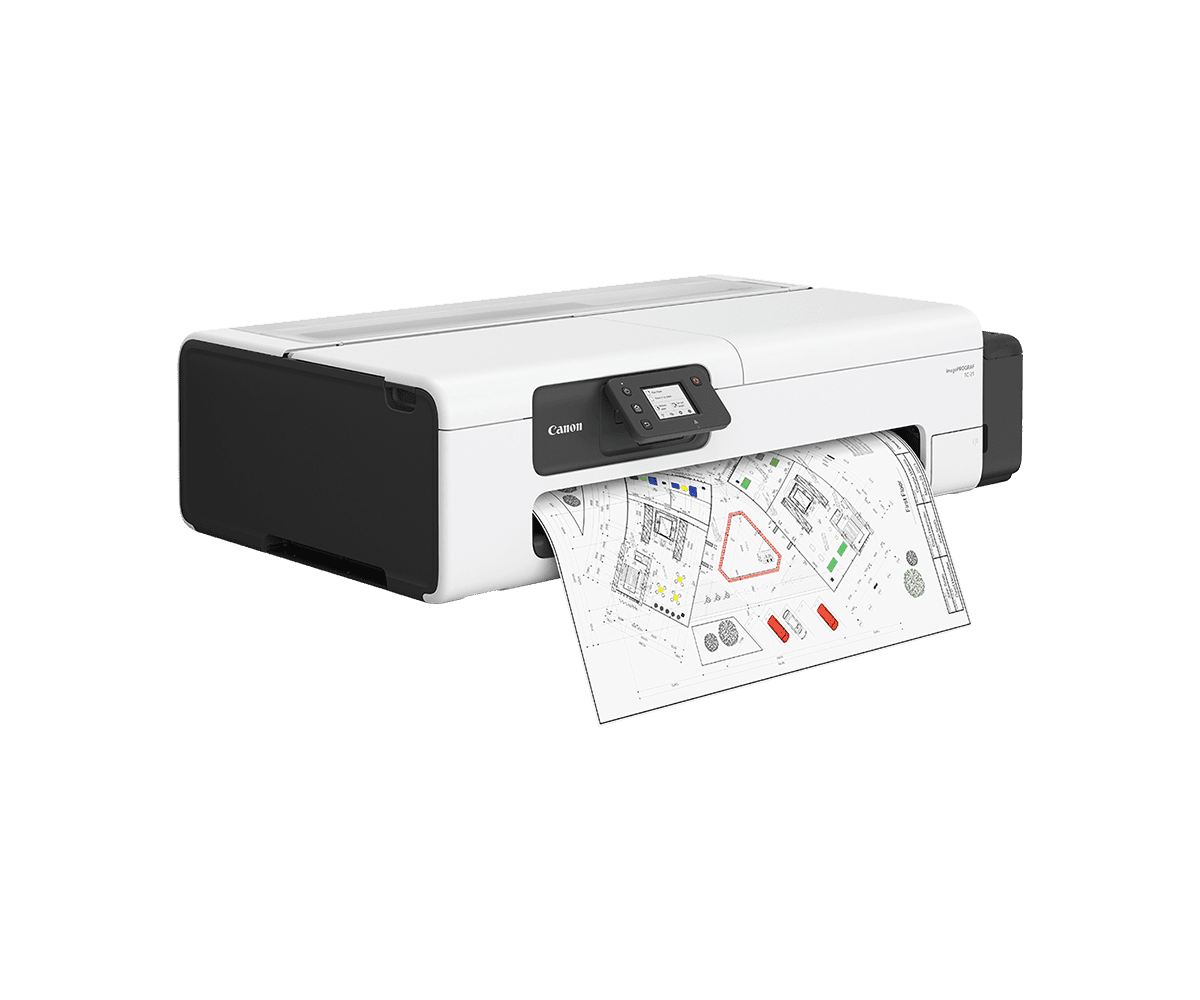
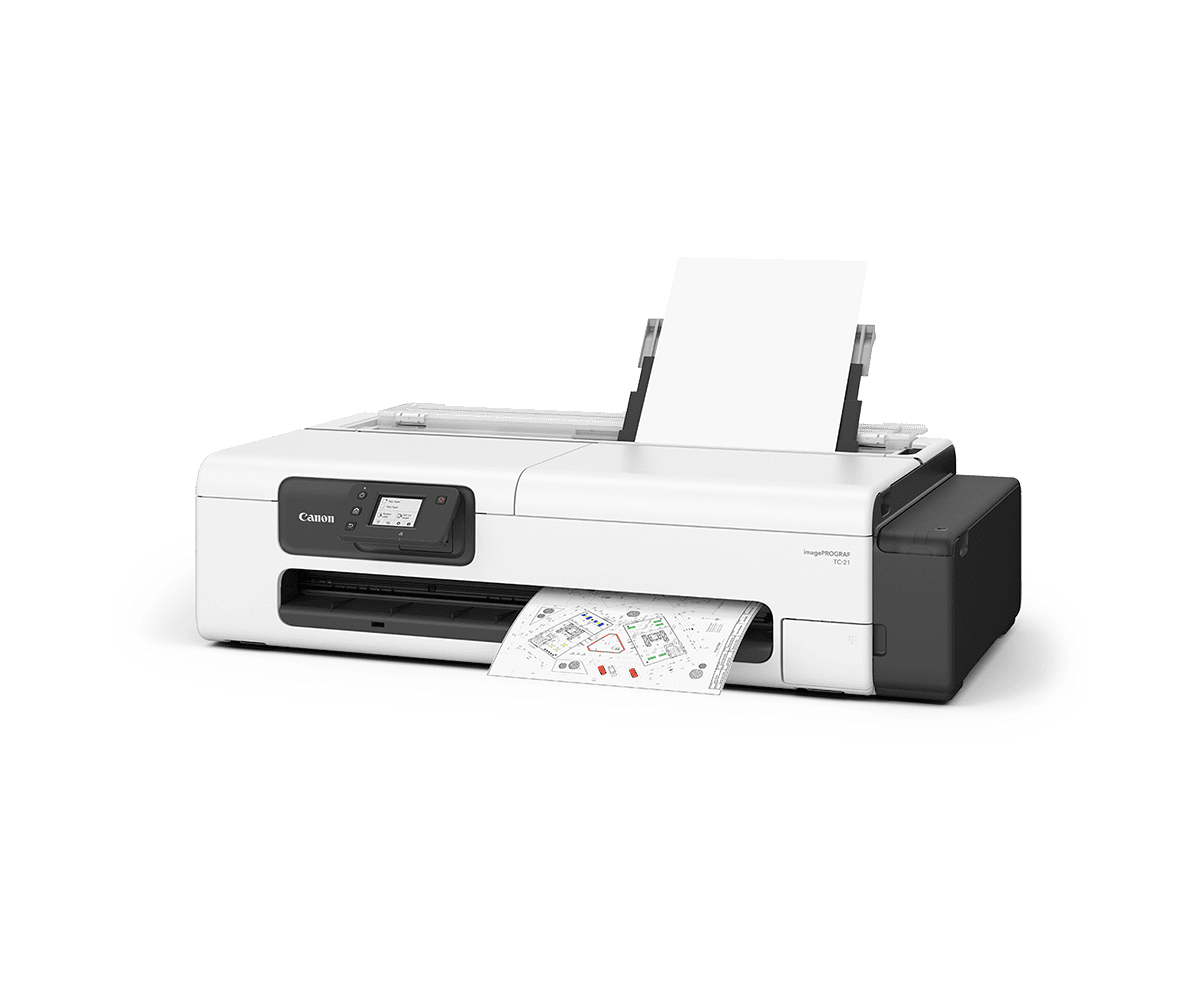
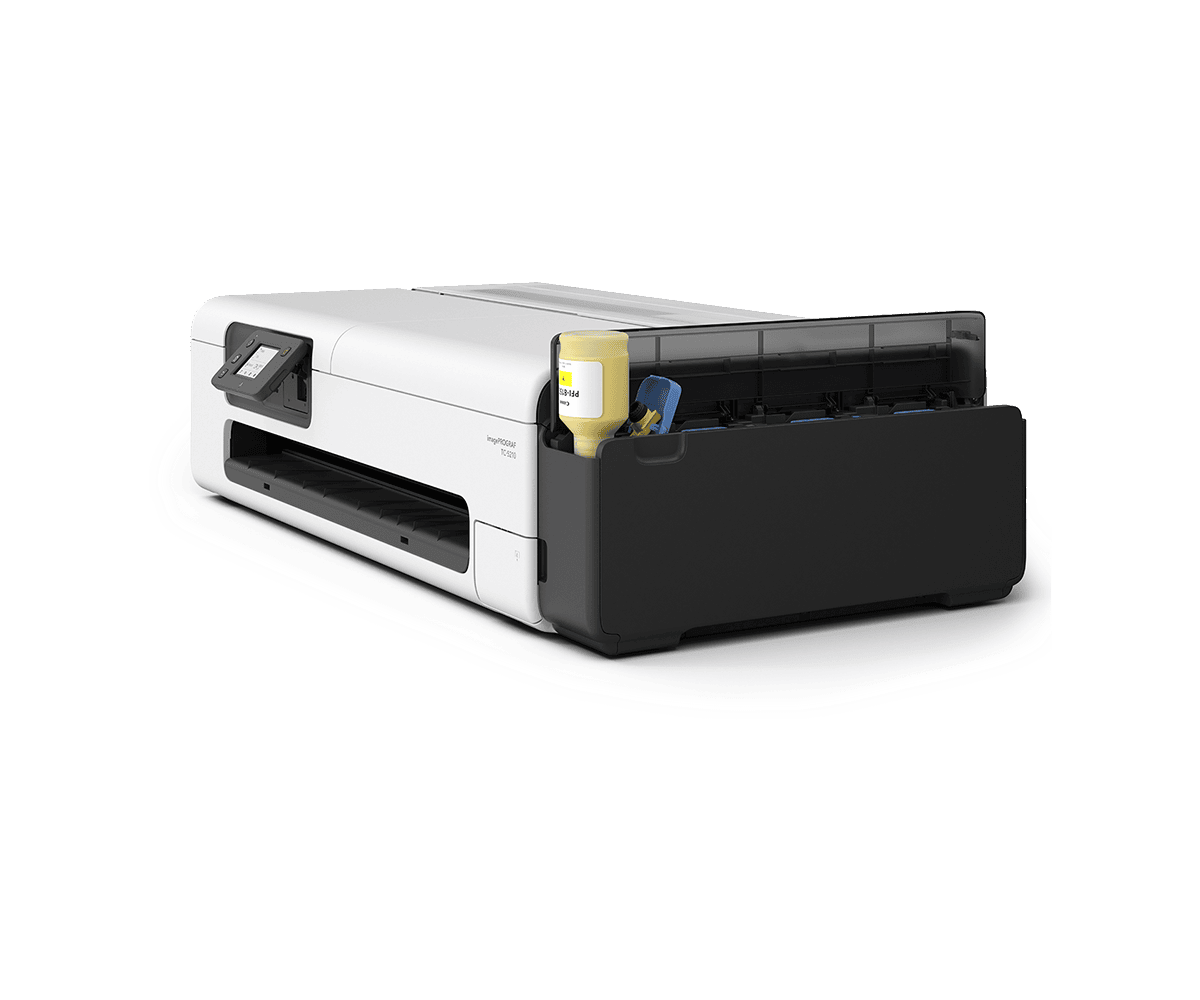
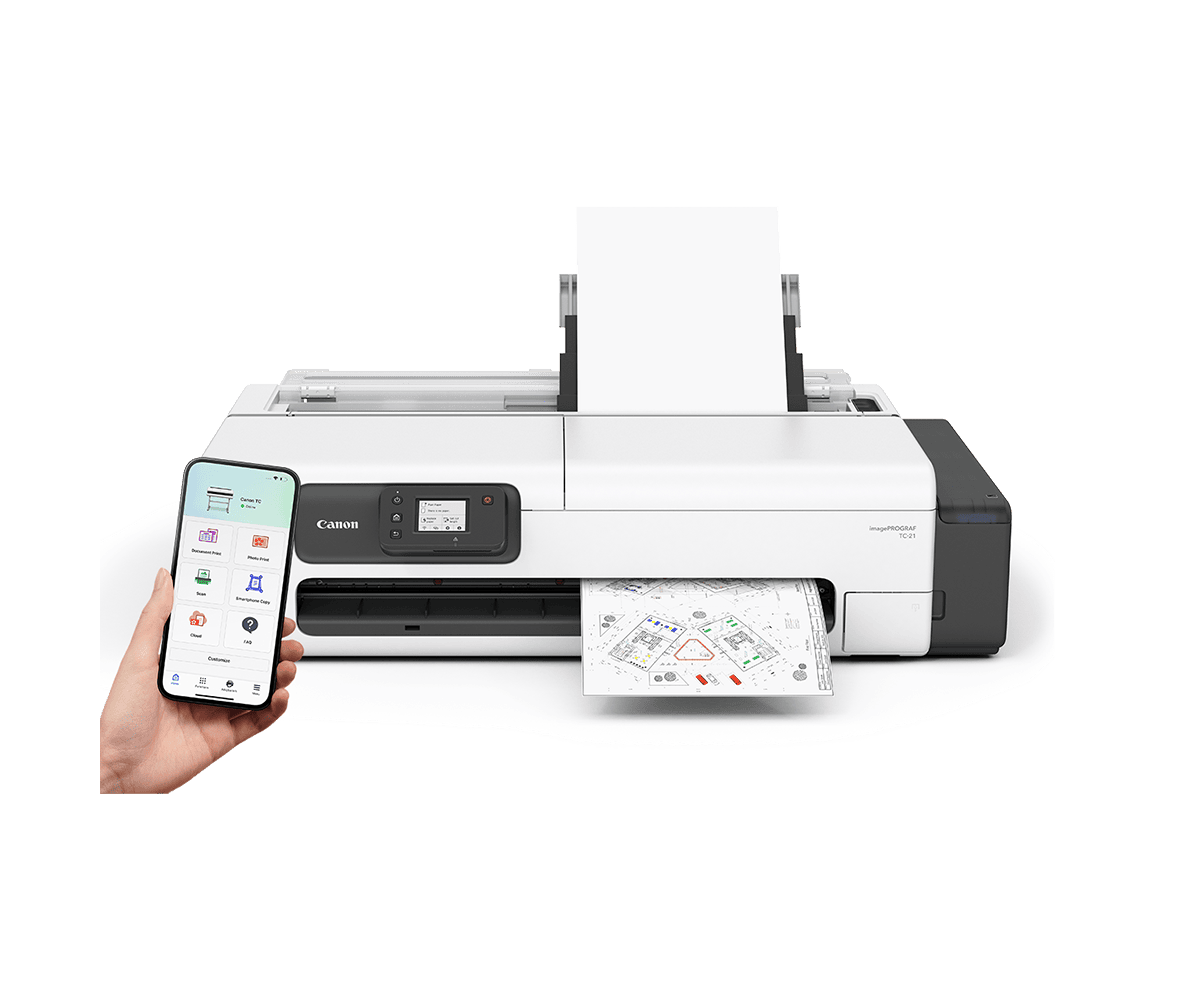
The Canon imagePROGRAF TC-21 is a compact 24-inch, 4-color pigment large format printer for CAD drawings, posters and everyday office prints. It prints from a roll up to 24 inches wide or from cut sheets in its automatic sheet feeder, and refills from 70 mL PFI-050 ink bottles. DTG in Tampa, FL sells and supports it: call 813.889.0660 or 800.681.0024.
The TC-21 sits on a desk or on the optional SD-24 stand, connects by USB, Wi-Fi or wired network, and supports AirPrint, Mopria and the Canon PRINT app for printing from phones and tablets. Roll prints can be made with minimal margins: 0 mm top and bottom and about 0.5 mm on each side, per Canon.
Canon TC-21 specifications
| Print width | 24 in; roll media 12 to 24 in, cut sheet 3.5 to 12 in from the automatic sheet feeder |
|---|---|
| Ink system | Pigment, 4 colors: Black, Cyan, Magenta, Yellow; tubing ink supply |
| Ink bottles | Ships with 4 bottles (BK, C, M, Y), 70 mL each. Replacement: PFI-050 (70 mL) |
| Maximum resolution | 2,400 x 1,200 dpi; line accuracy ±0.1% or less |
| Print head and nozzles | PF-08, bubble-jet on demand; Black 1,280 nozzles, C/M/Y 1,024 nozzles per color |
| User-replaceable items | PFI-050 ink bottles, PF-08 print head, MC-32 maintenance cartridge |
| Memory | 1 GB RAM |
| Media handling | One roll, top loading, front output; automatic sheet feeder; rotary cutter; 2 in core; 4.3 in (110 mm) max roll diameter; media thickness 0.08 to 0.28 mm |
| Margins | Roll minimal-margin print: top/bottom 0 mm, left/right approx. 0.5 mm; otherwise 5 mm all sides |
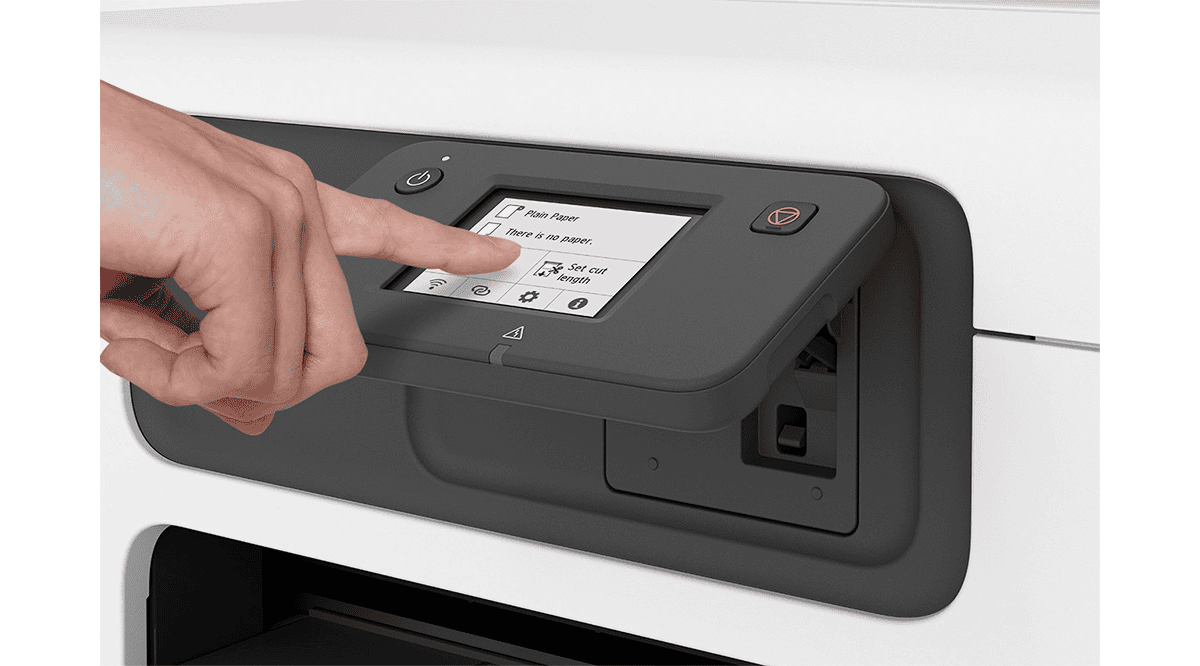
| Display | 2.7 in tilted LCD touchscreen |
| Interfaces | Hi-Speed USB, Wi-Fi (2.4/5 GHz, IEEE 802.11 b/g/n/a/ac), Wired LAN (10/100) |
| Print language | SGRaster |
| Software and mobile | imagePROGRAF printer driver (Windows/Mac), AirPrint, Mopria Print Service, Direct Print Plus, Canon PRINT app, Free Layout Plus, PosterArtist (Desktop is paid, Online is free), Media Configuration Tool, Quick Utility Toolbox; iOS, Android and Chromebook compatible |
| Operating systems | Windows 7/8.1/10/11; Windows Server 2008 R2 through 2025; macOS 11.7.10 to macOS 15 |
| Noise | Approx. 41.5 dB(A) operating; 35 dB(A) or less standby |
| Power | AC 100 to 240 V; approx. 28 W max, 1.7 W standby, 0.07 W off |
| Printer size and weight | 38 x 21 x 16 in (W x D x H) with sheet feeder open; 38 x 21 x 10 in closed; approx. 71 lb |
| Package size and weight | 44.1 x 28.6 x 16 in (W x D x H); approx. 99 lb |
| Options | Desktop Basket BU-06, Stand SD-24, PosterArtist |
| Efficiency | ENERGY STAR certified; EPEAT Gold |
| In the box | Printer, US power cable, installed maintenance cartridge, print head, 4 ink bottles (70 mL each), installation guide, warranty statement |
Specifications as published by Canon U.S.A. (imagePROGRAF TC-21/TC-21M spec sheet, 12-2025), checked October 27, 2026. Specifications are subject to change by Canon without notice.
Who the Canon TC-21 is for
The TC-21 is for offices, schools, architects, contractors and small businesses that need 24-inch drawings and posters in-house without a floor-standing printer. Its sheet feeder also handles letter and tabloid-size cut sheets, so one printer can cover small and large prints.
Canon TC-21 FAQ
What is the Canon imagePROGRAF TC-21 and what media widths does it print?
It is a 24-inch, 4-color pigment printer with a PF-08 print head. Canon lists roll media from 12 to 24 inches wide and cut sheets from 3.5 to 12 inches wide from the automatic sheet feeder.
What ink does the TC-21 use?
It uses 4 pigment inks (Black, Cyan, Magenta, Yellow) in PFI-050 70 mL bottles that fill a tubing ink system. Four bottles ship with the printer. You can shop Canon ink at DTG on our Canon ink page.
What is the difference between the TC-21 and the TC-21M?
The TC-21M adds a flatbed scanner (up to 8.5 x 11.7 in, A4/Letter) for copying and scanning. The print engine is the same. This page is for the print-only TC-21.
Can I print to the TC-21 wirelessly or from a phone?
Yes. Canon lists built-in Wi-Fi (2.4/5 GHz), wired LAN and USB, plus AirPrint, Mopria, the Canon PRINT app and Chromebook support.
Does the TC-21 need a stand?
No. It is a desktop printer. Canon offers the SD-24 stand and the BU-06 desktop basket as options.
How do I buy a TC-21 or get support from DTG?
Call DTG (Digital Technology Group) in Tampa, FL at 813.889.0660 or 800.681.0024, or contact us online. We can help with ink, media and printer questions.
 Canon imagePROGRAF TC-21 Specification Sheet (PDF)


